

Compare Coldcard Products
The COLDCARD Mk4, Mk5 and Q all share the same security-first foundation, combining dual Secure Elements, true air-gapped transaction signing, NFC support and robust anti-tamper protections. They each support advanced Bitcoin features including PSBT workflows, multisig, Taproot and encrypted microSD backups, making them powerful tools for self-custody.
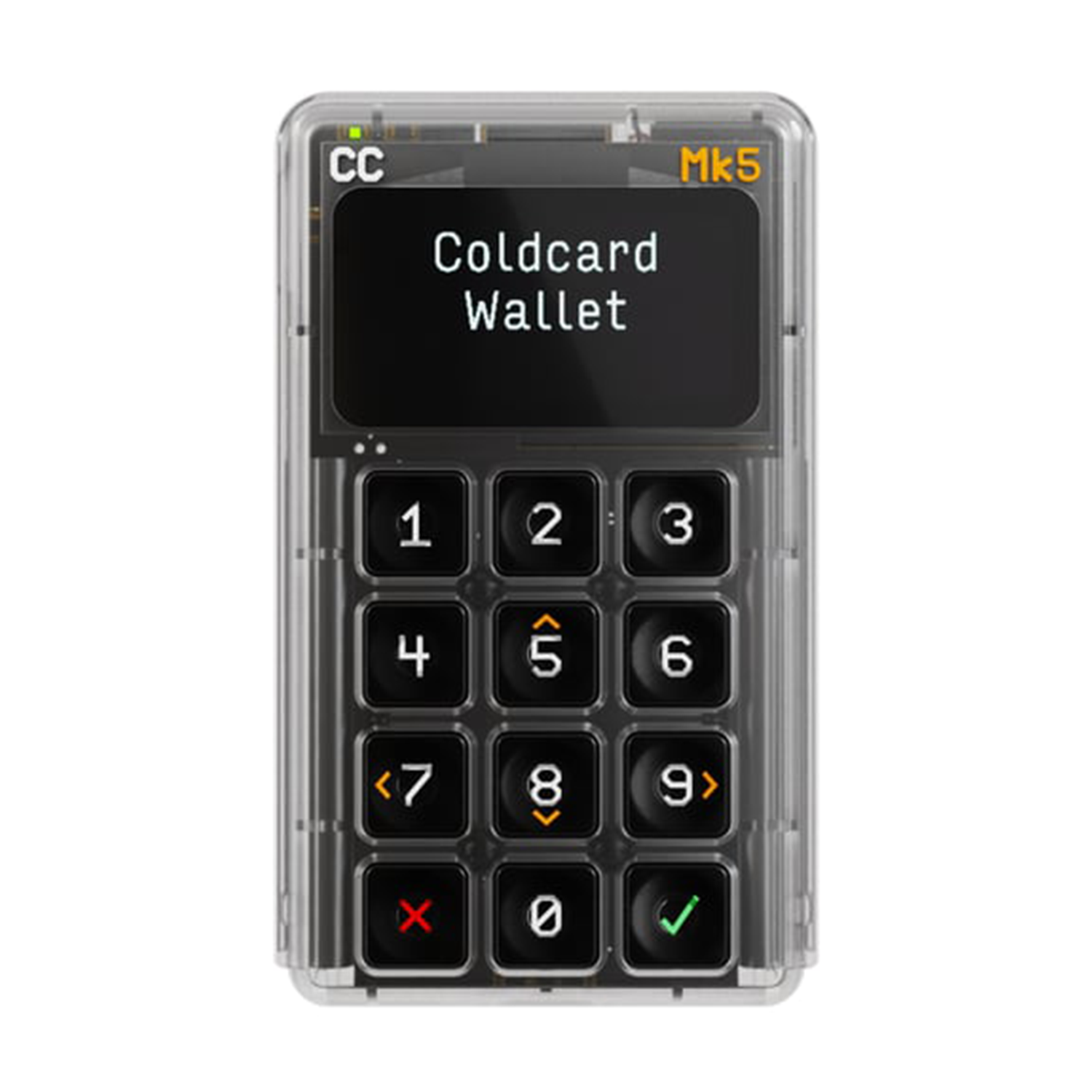
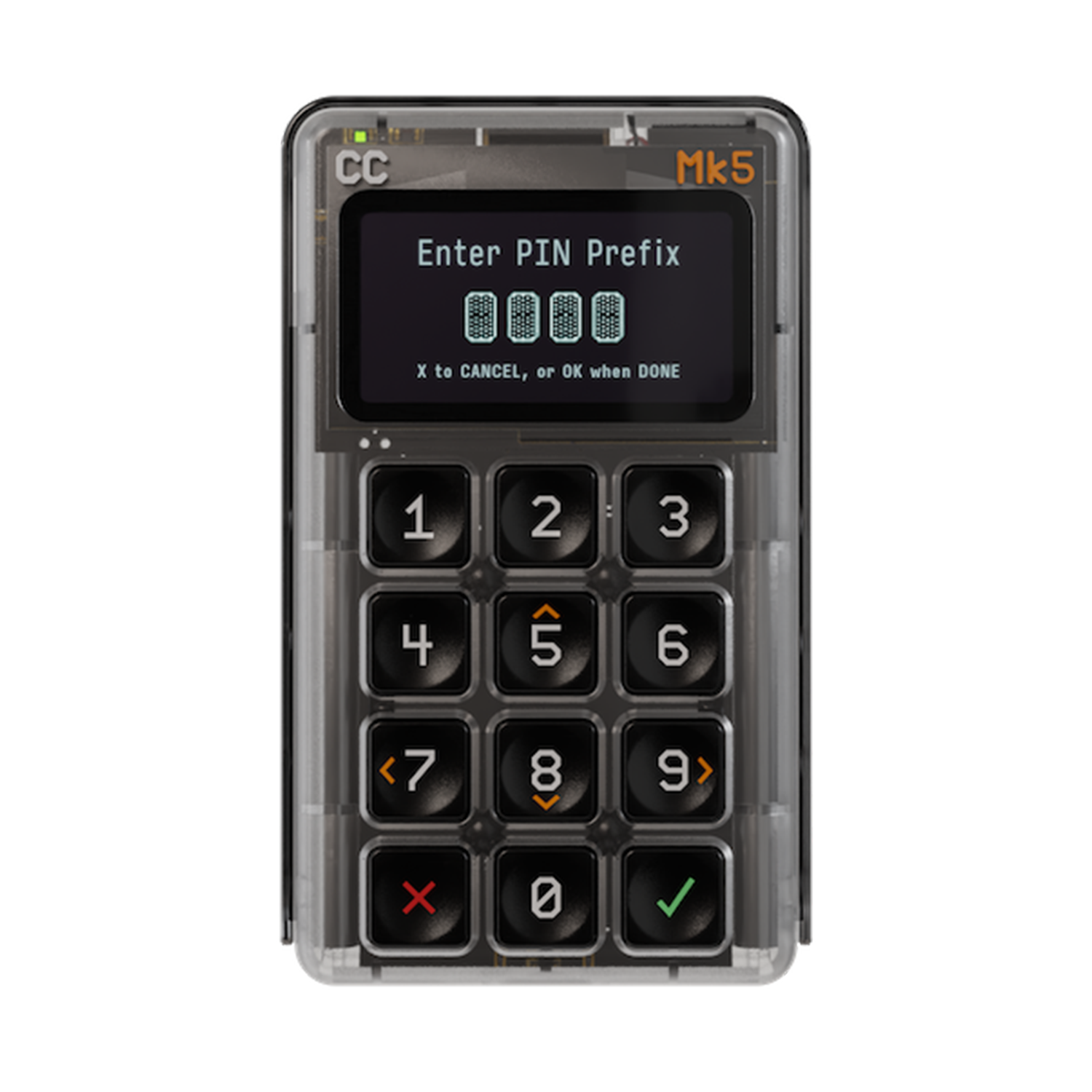
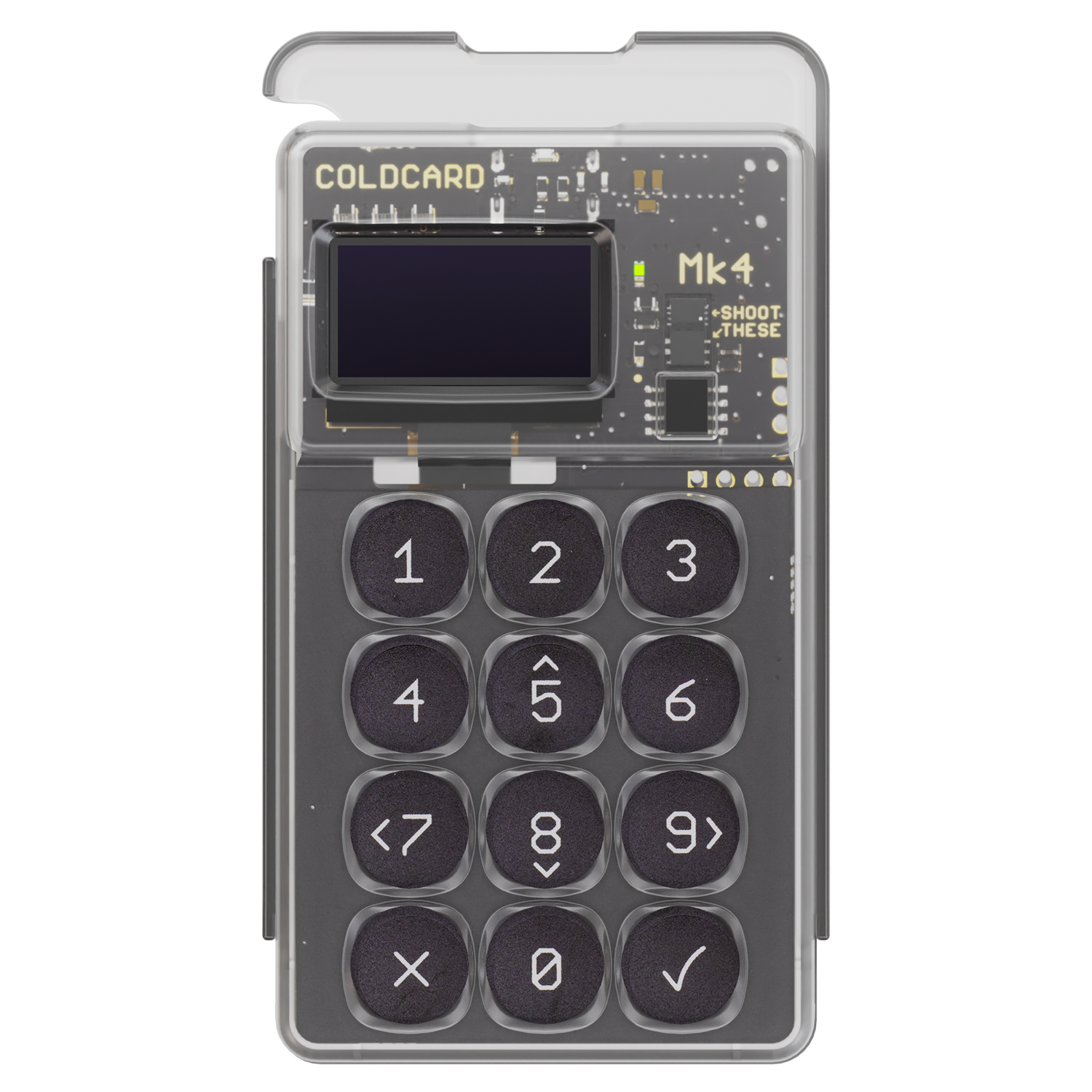
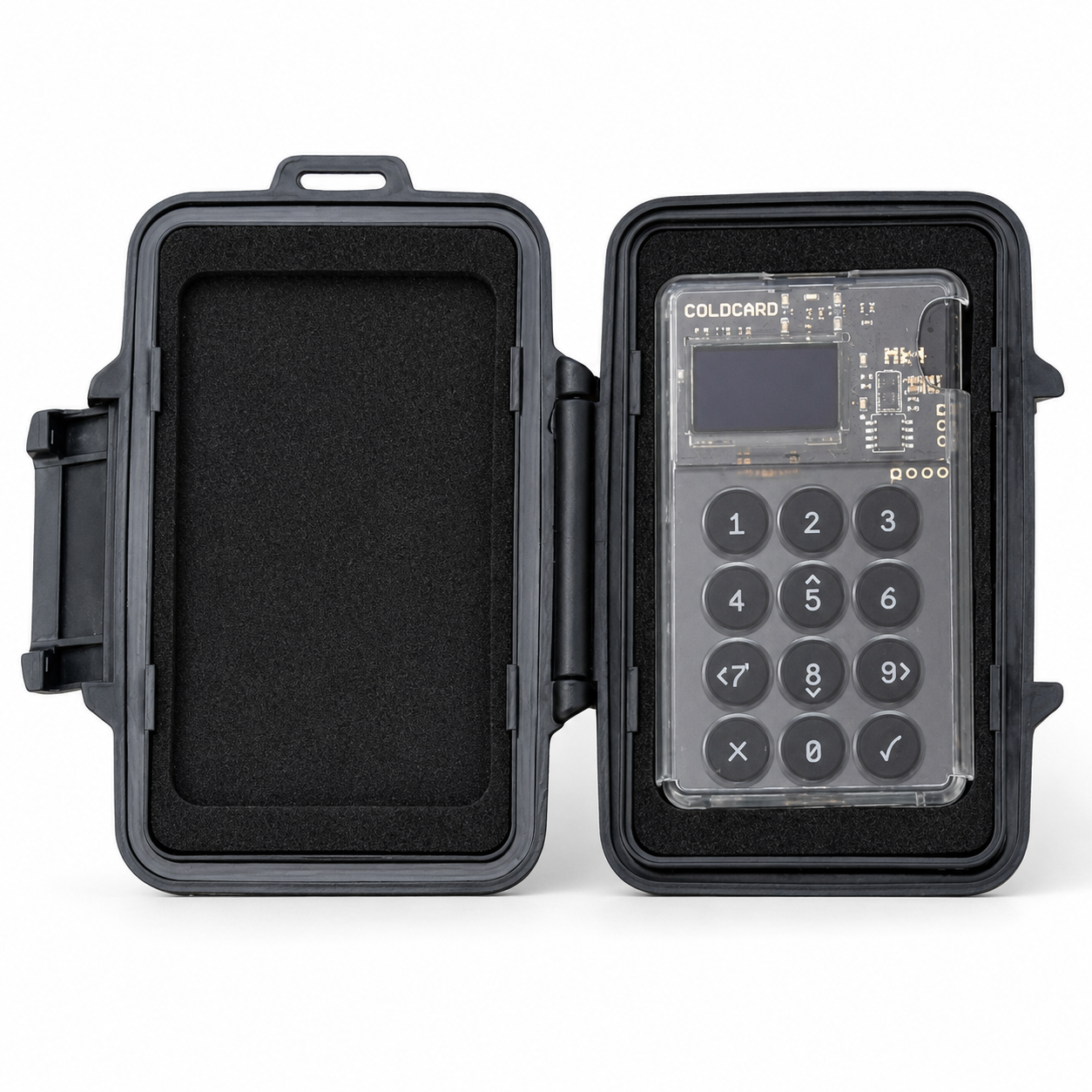
The Mk4 offers a compact, minimalist design with a sliding protective cover, making it ideal for users who prioritise portability and straightforward offline security. The Mk5 builds on this foundation with a larger Gorilla Glass-protected display, an improved tactile keypad and enhanced NFC performance, delivering a more refined day-to-day experience while maintaining the same trusted security model.
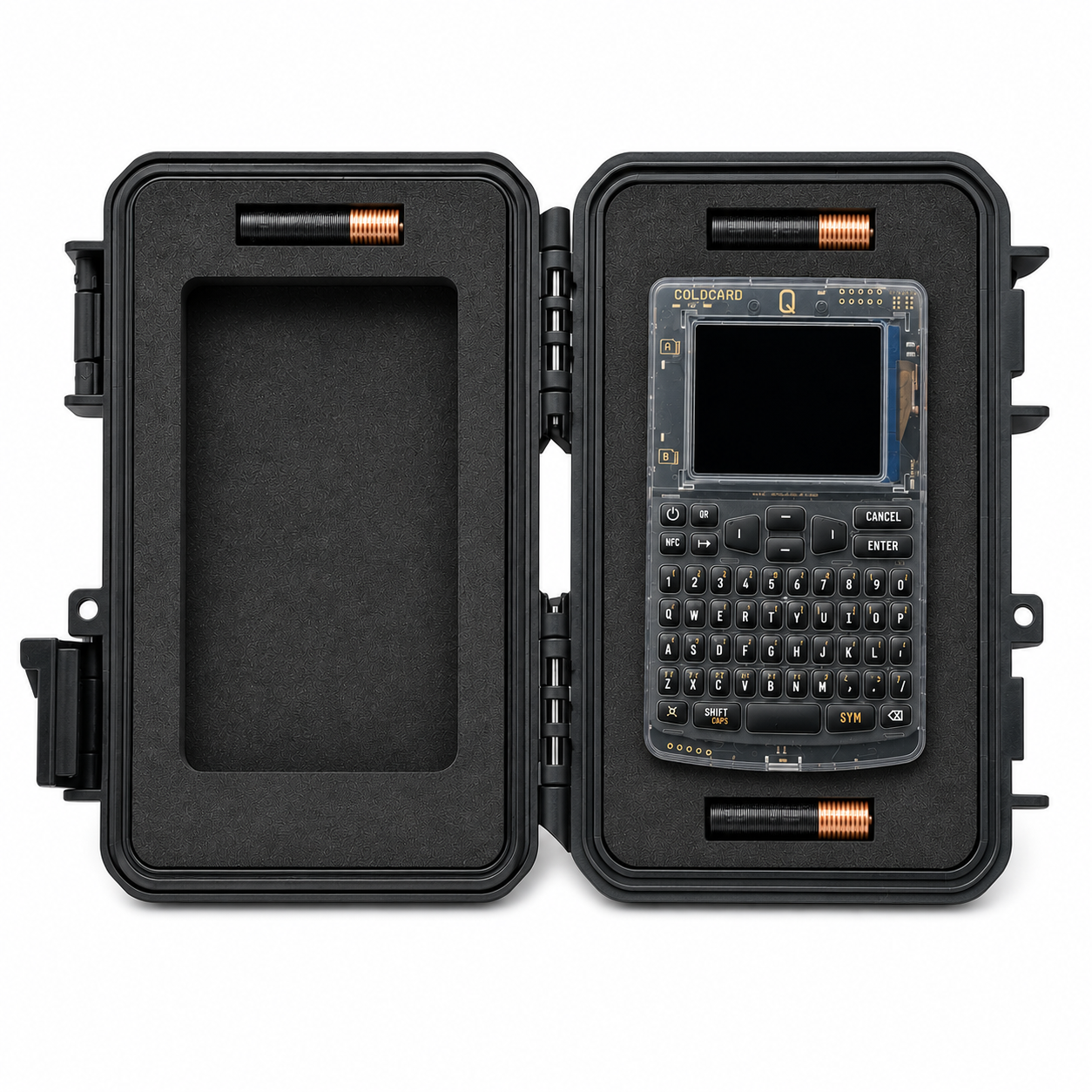
The flagship COLDCARD Q is designed for power users, featuring a large colour display, full QWERTY keyboard, built-in QR scanner and optional battery-powered operation for completely untethered signing. These additions make it particularly well suited to users managing multiple wallets, entering long passphrases or preferring QR-based air-gapped workflows without relying solely on microSD cards.
Larger 1.54" Gorilla Glass-protected display with redesigned tactile keypad
128×64 OLED screen, numeric keypad
Large 3.2" colour LCD with full QWERTY keyboard
Dual Secure Elements, open-source firmware, enhanced physical durability
Dual multi‑vendor secure elements (highest security focus)
Dual multi‑vendor secure elements (same security model as Mk4)
Encrypted MicroSD backups, USB Virtual Disk Mode, PSBT via MicroSD
Single microSD slot for PSBT and backups
Dual microSD slots (push‑pull type)
USB-C, improved NFC, MicroSD
USB‑C and optional NFC
USB‑C, NFC, runs on 3×AAA batteries or USB power
No
No dedicated scanner
Dedicated QR scanner with LED illumination for PSBT and address scanning
Yes (MicroSD & NFC workflows)
Yes (air‑gapped signing)
Yes (air‑gapped signing)
PSBT (BIP-174), multisig, Taproot, Miniscript
Yes, full PSBT support
Yes, plus enhanced scan and workflow features
Same as Mk4 with improved NFC and enhanced hardware
Trick PINs, anti‑phishing, genuine bag verification
Trick PINs, anti‑phishing, genuine bag verification, irreversible USB/NFC disable
USB-powered
USB powered only
AAA battery powered (optional)
87 × 52 × 10.3 mm, ~55 g
~88×52×10mm, ~30g
~120×75×22mm, ~93g
Larger Gorilla Glass display, redesigned keypad, faster NFC
Protective sliding cover, minimalist compact design
Built‑in QR scanner, large screen, keyboard, internal microSD storage, flashlight button and optional “Key Teleport” features
Users wanting the latest Mk-series design with improved usability while remaining highly portable
Users who want maximum cold‑storage security in a compact form
Users who want convenience and extended tools without sacrificing air‑gapped security
FAQ's About Coldcard
What happens when I can't remember my PIN?
When you've failed 3 times or more, we warn you that you are in danger of bricking the device. The message encourages you to double-check the PIN entered, and even gives you a peek at what you entered, before submitting it as an login attempt.
Please note the COLDCARD will brick itself after 13 failed login attempts. There is no way to reset or recover the device.
Mk2 and earlier COLDCARDs will allow infinite attempts, but make it slower and slower each time, until at one point, you have to wait hours between each attempt.
Can I change my PIN?
Yes, the PIN is independent of the funds being held. It can be changed at any time as long as you have the original PIN.
BIP-39 passphrases cannot be changed because the text of the passphrase is part of the private key.
Where do I learn all technical details?
You can read our secure element white paper,dual vendor secure element page, ouronline docs.and ultimately the COLDCARD source code.
Why does it have a MicroSD slot?
- The COLDCARD can backup the seed into an encrypted file.
- New transactions to be signed can be imported from the card.
- Public key data (XPUB, payment addresses) can be written onto the card.
- Firmware upgrades can be done by copying the new firmware file onto a card.
- A skeleton Electrum wallet can be created on the card which allows Electrum to "pair" with the COLDCARD without it ever connecting to a USB port.
- Multisig wallets can be joined using files transferred via cards.
Which blockchains do you support?
Bitcoin and Bitcoin Testnet are supported. COLDCARD does not support altcoins.
How many seed words does it use?
COLDCARD® generates either 12- or 24-word BIP-39 seeds. It can also import 12, 18, and 24-word, BIP-39 seeds that other wallets may have created.
Can I have multiple wallets in each COLDCARD?
There is a single "wallet", derived from the BIP-39 seed words. In addition, we have an optional "duress" wallet, which is derived from the wallet's seed words and is not independent. This means it gets backed-up automatically, and the original seed words also backup the duress wallet.
By adding a BIP-39 passphrase you can unlock nearly unlimited additional wallets which derive from the original 24 seed words. The passphrase you use defines the wallet and cannot be changed. BIP-39 passphrases are not backed up or otherwise tracked, which gives lots of freedom in terms of plausible deniability.
What kind of secure element is used?
The ATECC608 is a fixed-function device for private key storage. It is not a general purpose CPU like some other secure elements. As a result, neither Coinkite nor the chip's manufacturer can change how it works without revising the hardware of the chip itself. It is in effect a flash ROM (read only memory) with about 10k bits of storage. All access and updates are predefined by the hardware and its design. The complete COLDCARD firmware can be seen here and we have a detailed white paper specifically about this secure element, and how we use it.
With the new mark (Mk4) of the COLDCARD, a second secure element (Maxim DS28C36B) has been added so that if either vendor has a critical security flaw, it will not affect the overall security of your seed words. We combine the power of both secure elements as described in this white paper about Mk4 secure elements
Can COLDCARD import an encrypted BIP-39 seed phrase?
Yes, COLDCARD supports BIP-39 passphrases.
This unlocks approximately 5.9 × 10197 more wallets based on your seed words.
Shop Coldcard



- Information adapted from the official Coldcard website (2026).