

About Trezor
Trezor emerged from the chaos of online exchanges that just couldn't keep up. We realized it was time to step up the security game against online attacks and malicious apps.
Our founders, Stick and Slush, teamed up to create, advance, and revolutionize an entirely new industry, bringing about a complete about-face from traditional, online crypto storage and management.
With an independent and open-minded approach to development, Stick and Slush transformed their humble beginnings into an industry leader with a solid team of security experts, designers, and support staff. The final result is Trezor today, further pushing the envelope of crypto security, hardware wallet innovation, and global Bitcoin adoption.
With Trezor in your corner, you have a true haven to stash and use your coins exactly the way you want. Our sister companies stand united, providing peer-to-peer crypto transactions, auditable open-source chip solutions, and exceptional crypto offers.
Ready to be the boss of your financial future? Welcome to Trezor.
Compare Trezor Hardware Wallets
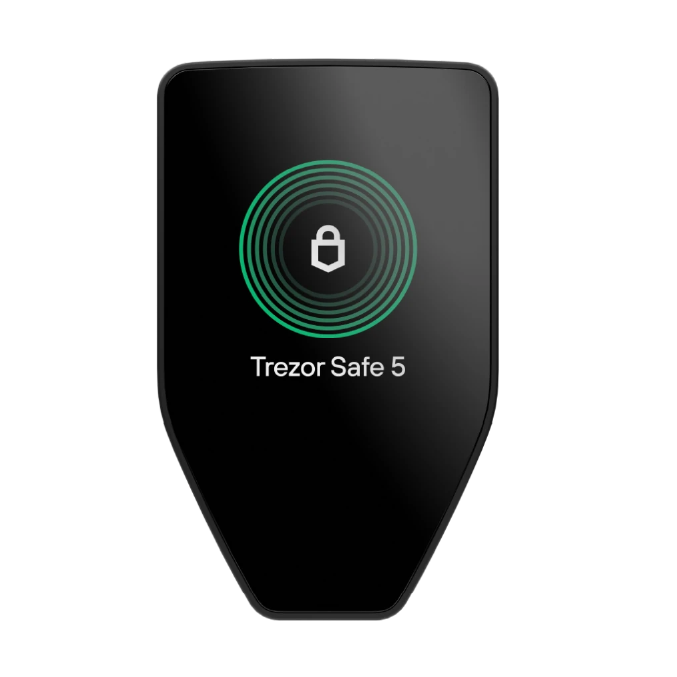
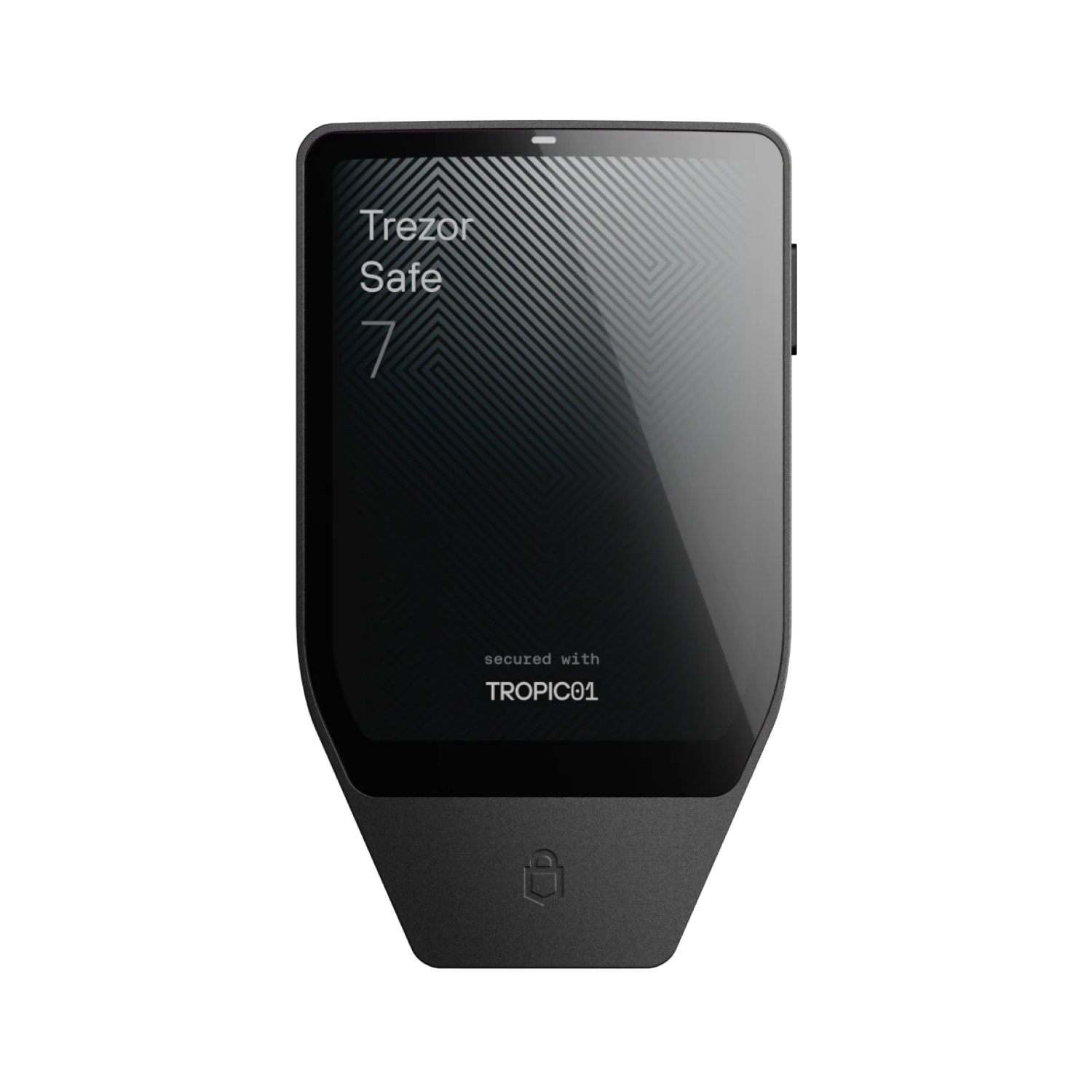
The Trezor Safe 3, Safe 5 and Safe 7 all share Trezor's open-source security philosophy, combining certified Secure Elements, open-source firmware, PIN and passphrase protection, and advanced backup options including Multi-share (SLIP39) backups.
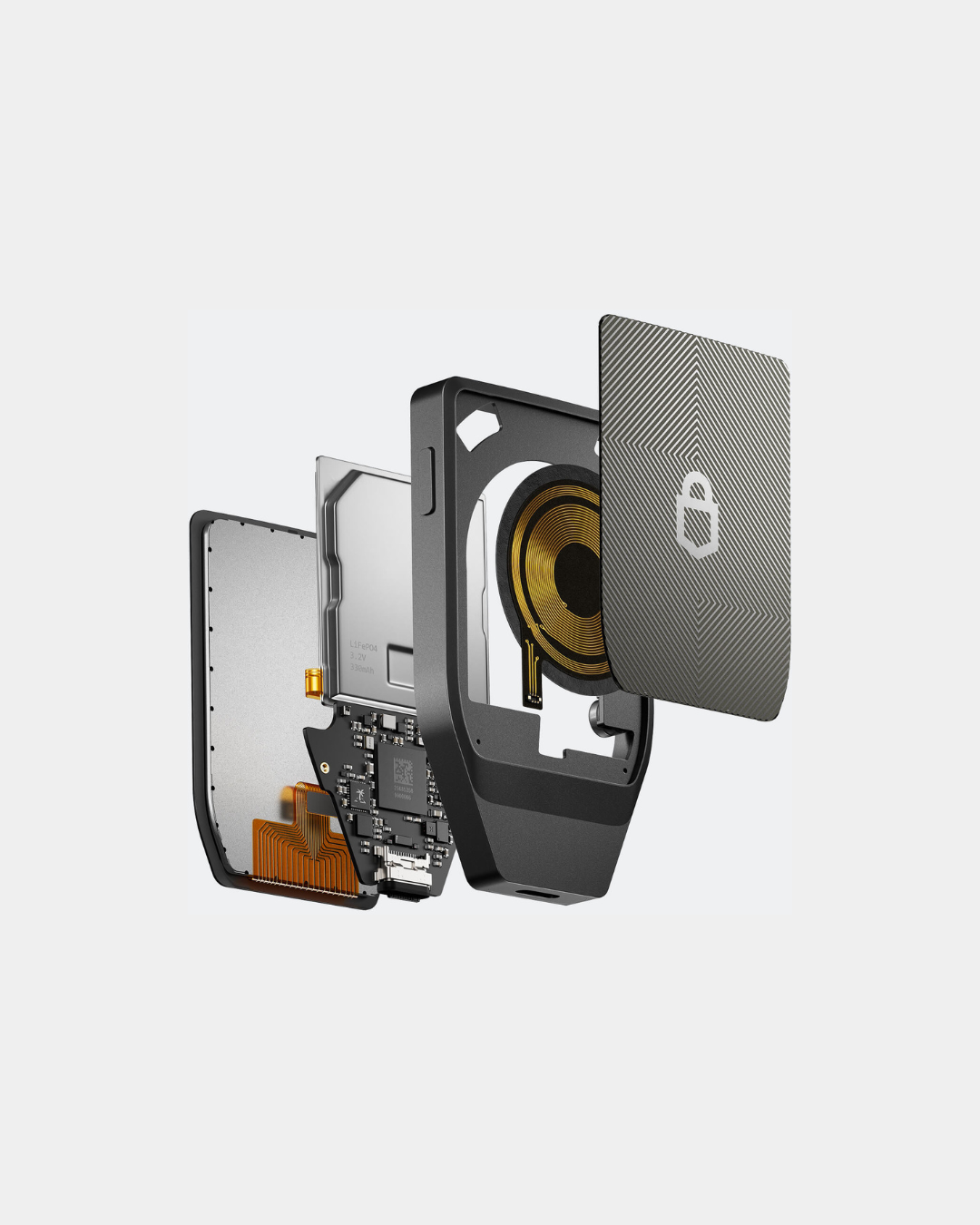
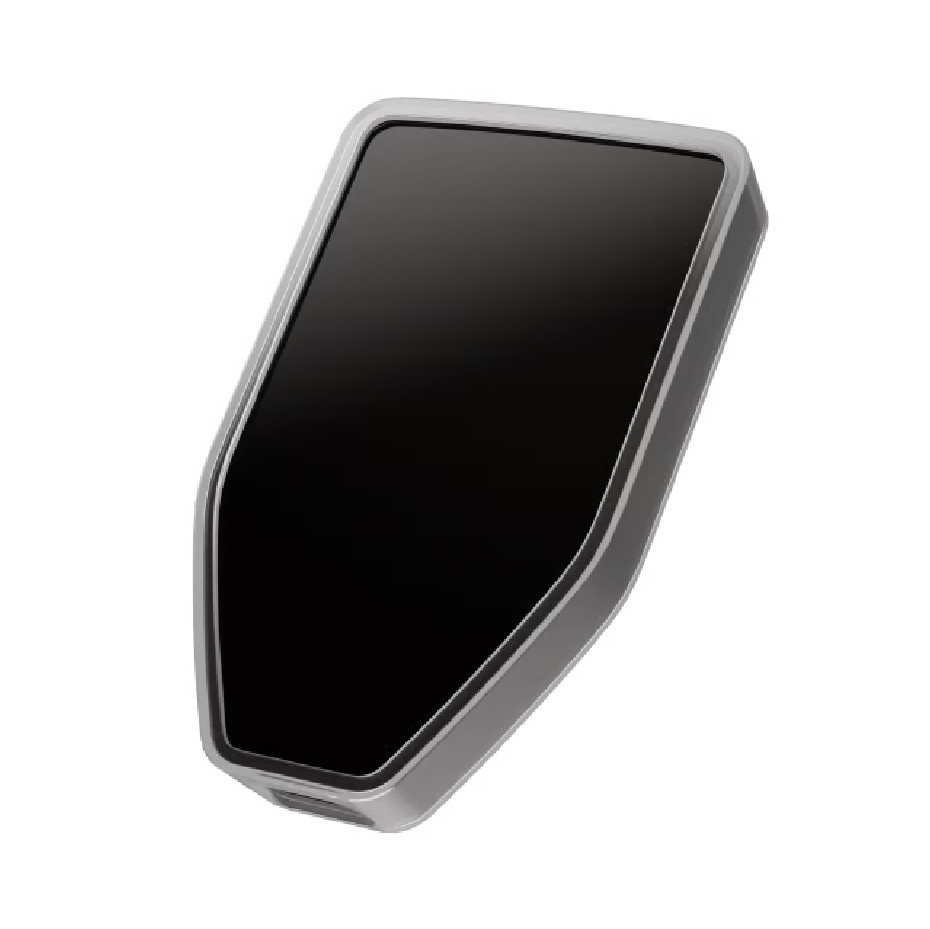
The key differences lie in their hardware, user experience and connectivity. The Safe 3 offers essential hardware wallet security with physical button navigation, while the Safe 5 enhances usability with a full-colour touchscreen, haptic feedback and Gorilla Glass protection. The flagship Safe 7 builds on this foundation with a larger premium touchscreen, dual Secure Elements, Bluetooth connectivity, wireless charging and an IP67-rated aluminium body, delivering Trezor's most advanced and convenient hardware wallet experience.
All three devices integrate seamlessly with Trezor Suite and support thousands of cryptocurrencies and tokens, making them suitable for secure asset management across desktop and mobile environments.
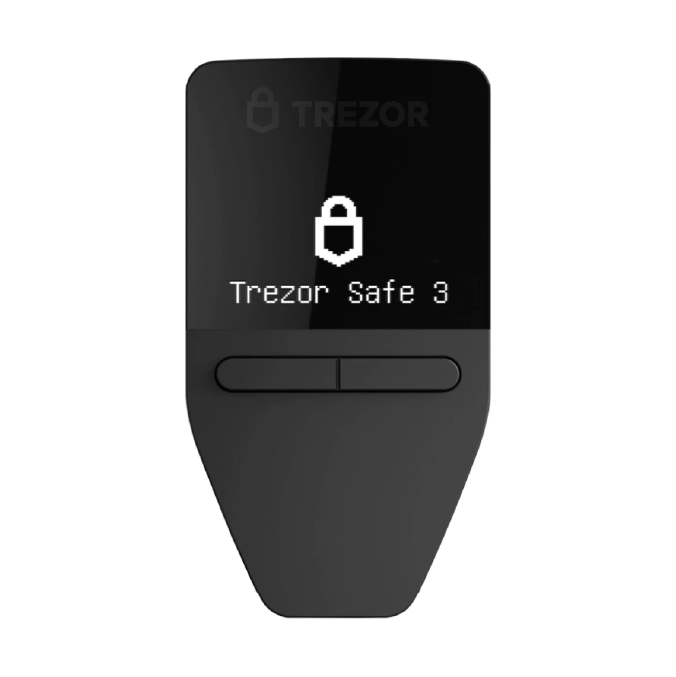
Monochrome 0.96″ OLED, two‑button interface
1.54″ full colour touchscreen with haptic feedback
2.5" Gorilla® Glass 3 colour touchscreen (520 × 380 px)
Certified EAL6+ Secure Element
Certified EAL6+ Secure Element (NDA‑free)
Dual Secure Elements (TROPIC01 + OPTIGA™ EAL6+)
Yes
Yes
Fully open-source firmware & design with quantum-ready architecture
Yes
Yes
PIN & passphrase with on-device touchscreen entry
12‑, 20‑ & 24‑word wallet backup
12‑, 20‑ & 24‑word wallet backup with Advanced Multi‑share Backup (Shamir) support
12, 20 & 24-word backup, Multi-share Backup (SLIP39)
Coin control, Tor support
Coin control, Tor support
Privacy-focused Trezor Suite features
Yes
Yes
Yes
USB‑C
USB‑C with microSD slot
USB-C, Bluetooth & wireless charging
Thousands of coins & tokens
Thousands of coins & tokens including ERC‑20 and NFTs
Thousands of coins & tokens
Compatible with Trezor Suite and third‑party wallets
Compatible with Trezor Suite and third‑party wallets
Windows, macOS, Linux, Android & iOS (Bluetooth support)
Standard polycarbonate casing
Gorilla Glass 3 with anodized backplate
Premium anodised aluminium unibody, Gorilla® Glass 3 display, glass backplate, IP67 water & dust resistance
Simple, button‑based navigation
More intuitive touchscreen interaction with enhanced UI
Flagship experience with premium materials, wireless connectivity and the largest display
FAQ's About Trezor
Where can I find more information and support?
TheTrezor Help Centeris our official troubleshooter, where you can also submit questions for help with technical, payment or logistics issues. Before opening a ticket, check our other support channels to see if the issue can be resolved more easily on your own:Trezor Forum: find support agent answers to other users' issues or post a question of your own.
Where can I find the serial number of my Trezor device? Can you check if the serial number of my device is genuine?
As a security measure, Trezor devices have no serial numbers. What you see on the box of your Trezor is a serial number of the packaging, used to identify specific batches of packaging in case of packaging error.Not sure If your device is genuine?If you are concerned that your Trezor is not a genuine product from our company, please refer to thisblog article, where you will find information about how to distinguish between an original and a fake Trezor.You can also check out the Trezor packaging timeline for your device Trezor Model OneorTrezor Model T. There's a possibility that you might have received an older version of the package.
Where is my crypto stored? Is it on the device?
Your crypto is on the blockchain and the keys to your crypto are kept on your physical device. To learn more about this we suggest youcheck out this fantastic blog articleabout where your coins are stored.Your coins are always associated with a set of keys: your private and your public key.
Supported coins
Trezor supports hundreds of coins and tokens including Bitcoin, Monero, Litecoin, Dash, Zcash, Bitcoin Cash, Bitcoin Gold, Ethereum (+ all ERC20 tokens), and Ethereum Classic. Please refer totrezor.io/coinsfor the complete list of supported cryptocurrencies.
- In the list you can also find information about which Trezor model supports each cryptocurrency, as some coins cannot be used in the Trezor Suite app, but are supported through the use of a third party application with your Trezor.
Shop Trezor
- Information adapted from the official Trezor website (2026).